
New CourseNo reviews yet
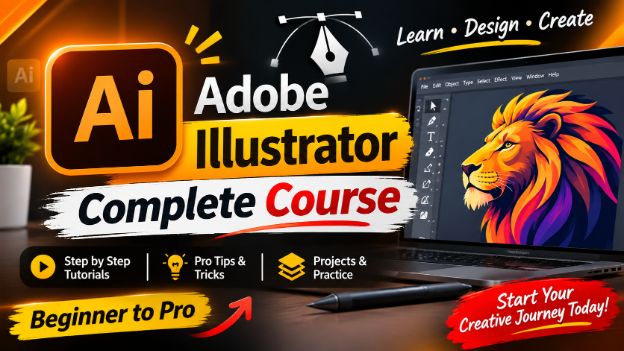
Adobe Illustrator: From Zero to Confident Designer
 By Faizan Mirza
About Course
Who is this for: Complete beginners who want to learn logo design, icons, and illustrations. What students will build: A house scene, a quote poster, an icon set, a logo, and a final brand mini kit. Suggested lesson length: 8 to 12 minutes each, with a mini task at the end of every module. Shortcuts: Windows shortcuts are shown. On Mac, use Cmd instead of Ctrl and Option instead of Alt.
What Will Students Learn?
- Master core graphic design principles including color theory, typography, and layout composition
- Create professional logos, brand identities, social media graphics, and marketing flyers
- Design seamless vector patterns and custom digital illustrations
- Edit, retouch, and manipulate images professionally using industry-standard tools
- Prepare print-ready and web-optimized files in the correct formats and resolutions
- Build a strong, client-ready graphic design portfolio to start freelancing or land a job
Materials Included
- Editable source files (AI, PSD, SVG, and PDF) for hands-on practice
- High-resolution stock images, mockups, and texture packs
- Curated color palette guides and typography pairing cheat sheets
- Real-world client brief templates and design project exercises
- Downloadable vector assets and custom brush presets
Requirements/Instructions
- A Windows PC or Mac capable of running graphic design software smoothly
- No prior graphic design or drawing experience is required
- Basic computer literacy and a willingness to practice with step-by-step assignments
- Access to design software such as Adobe Illustrator, Photoshop, or Figma (free trials are sufficient to start)
Target Audience
- Beginners with zero prior experience who want to start a career in graphic design
- Aspiring freelancers looking to sell design services on platforms like Fiverr and Upwork
- Small business owners and social media managers who want to create their own branding and marketing visuals
- Content creators and digital marketers wanting to upgrade their visual design skills
Course Content
- What Makes a Good Logo?Preview
- Brainstorming and Sketching IdeasPreview
- Building the Logo with Shapes and the GridPreview
- Choosing Colors and Fonts for the BrandPreview
- Creating Logo VariationsPreview
- Presenting the Logo with a Simple MockupPreview
- QuizPreview
- Design a complete logo for a made-up brand, from idea to presentation.Preview
- Final Project: Brand Mini KitPreview
- Exporting CorrectlyPreview
- Export for Screens and Asset ExportPreview
- Time-Saving Shortcuts Every Designer Should KnowPreview
- Common Beginner Mistakes and How to Avoid ThemPreview
- Building a Portfolio and Finding ClientsPreview
- QuizPreview
- Finish the course with a complete brand mini kit and your first portfolio case study.Preview
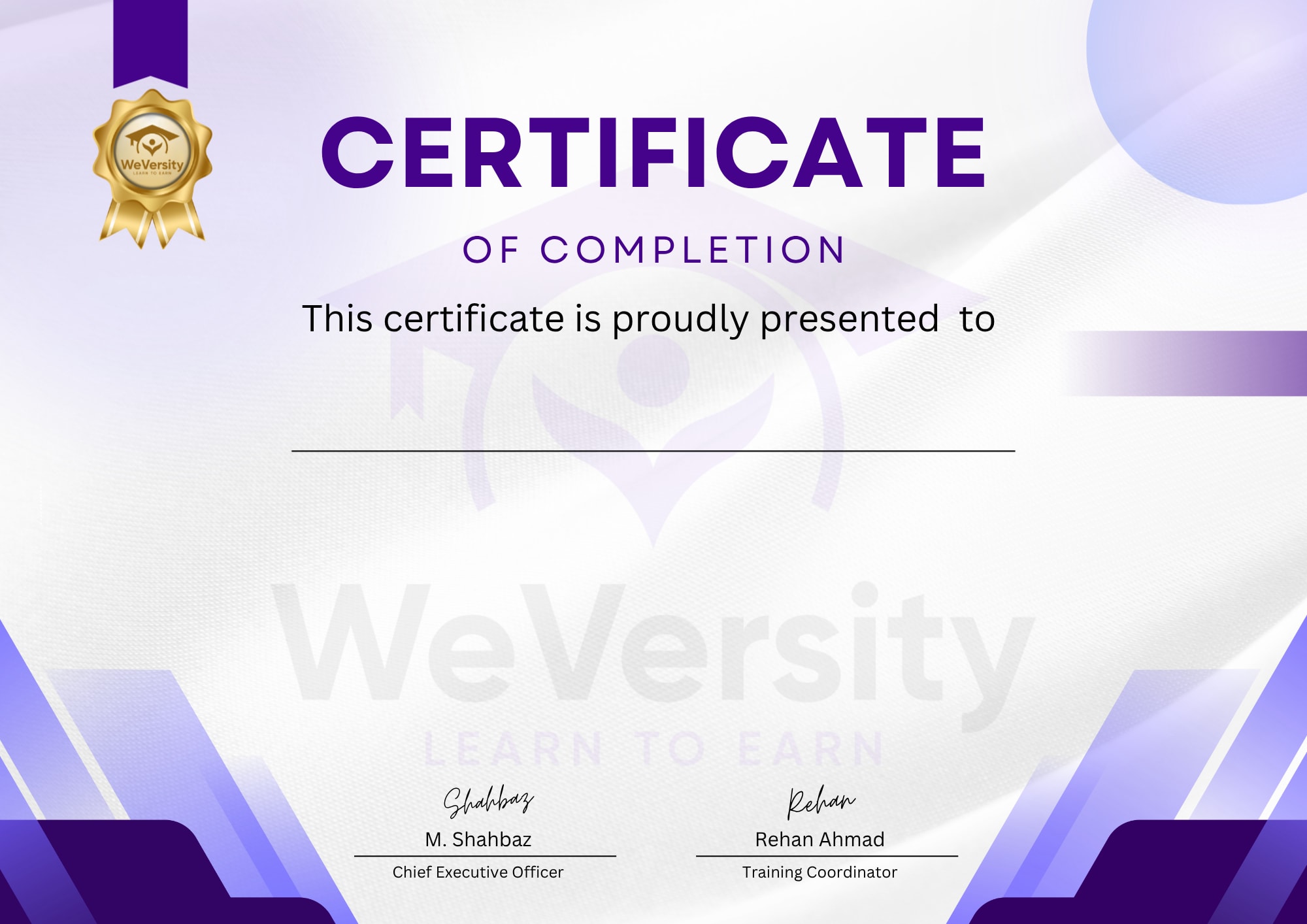
Earn a certificate
Add this certificate to your Resume/CV to demonstrate your skills & increase your chances of getting noticed.
Free
- Beginner
- 5 students
- 3h 0m
- Certificate of completion