
About Course
Bring Your Creative Ideas to Life One Vector at a Time
If you’ve ever looked at a logo, an illustration, or a bold graphic and thought, “I wish I could create something like that,” this is the course for you.
Design with Illustrator is a comprehensive, hands-on journey through Adobe Illustrator, suitable for beginners with no prior experience. We’ll start with the basics: learning the tools, drawing your first shapes, and understanding how Illustrator thinks. From there, we’ll level up together, designing real-world projects like icons, posters, digital illustrations, and logos.
But this isn’t just about software. It’s about unlocking your creativity and learning how to express your ideas visually. You’ll get:
- Clear, step-by-step lessons that make sense
- Fun, creative projects you’ll be proud to show off
- Insider tips to save time and make your designs stand out
- Real design skills you can use in freelance, school, or a creative career
By the end, you won’t just know how to use Illustrator, you’ll know how to design with confidence.
So whether you're an aspiring designer, a creative soul, or just curious about how digital art works, Design with Illustrator will give you the skills, freedom, and inspiration to bring your ideas to life.
Let’s get started. Your creative journey begins here.
Course Content
- Introduction & Installation | Lecture 1Preview
- Introduction & InstallationPreview
- Shape tool, selection tool & direct selection tool | Lecture 2Preview
- Shape tool, selection tool & direct selection toolPreview
- Magic Wand Tool Explained | Lecture 3Preview
- Magic Wand Tool ExplainedPreview
- How to Use the Pen Tool in Adobe Illustrator? | Lecture 4Preview
- How to Use the Pen Tool in Adobe Illustrator?Preview
- Pen Tool in Adobe Illustrator – Part 2 | Lecture 5Preview
- Pen Tool in Adobe Illustrator – Part 2Preview
- What is the Gradient Tool in Adobe Illustrator? | Lecture 6Preview
- What is the Gradient Tool in Adobe Illustrator?Preview
- Rotate & Reflect Tool in Adobe Illustrator | Lecture 7Preview
- Rotate & Reflect Tool in Adobe IllustratorPreview
- Design Like a Pro: Learn Curvature, Eyedropper & Shape Builder Tools in Illustrator | Lecture 8Preview
- Design Like a Pro: Learn Curvature, Eyedropper & Shape Builder Tools in IllustratorPreview
- Design Flow & Motion with Illustrator’s Blend Tool | Lecture 9Preview
- Design Flow & Motion with Illustrator’s Blend ToolPreview
- Eraser Tool in Adobe Illustrator | Lecture 10Preview
- Eraser Tool in Adobe IllustratorPreview
- Mastering the Perspective Grid Tool in Adobe Illustrator | Lecture 11Preview
- Mastering the Perspective Grid Tool in Adobe IllustratorPreview
- Shape Smarter, Not Harder: Mastering the Shaper Tool | Lecture 12Preview
- Shape Smarter, Not Harder: Mastering the Shaper ToolPreview
- Learn How to Make Realistic Artwork Using the Mesh Tool | Lecture 13Preview
- Learn How to Make Realistic Artwork Using the Mesh ToolPreview
- Unlock Creative Control with Clipping Masks | Lecture 14Preview
- Line It Up Perfectly with the Align PanelPreview
- Master the Power of Typography with the Text Tool | Lecture 15Preview
- Master the Power of Typography with the Text ToolPreview
- Master the Finer Details of Typography | Lecture 16Preview
- Master the Finer Details of TypographyPreview
- Make Your Text Pop with Creative Effects | Lecture 17Preview
- Make Your Text Pop with Creative EffectsPreview
- Line It Up Perfectly with the Align Panel | Lecture 18Preview
- Line It Up Perfectly with the Align PanelPreview
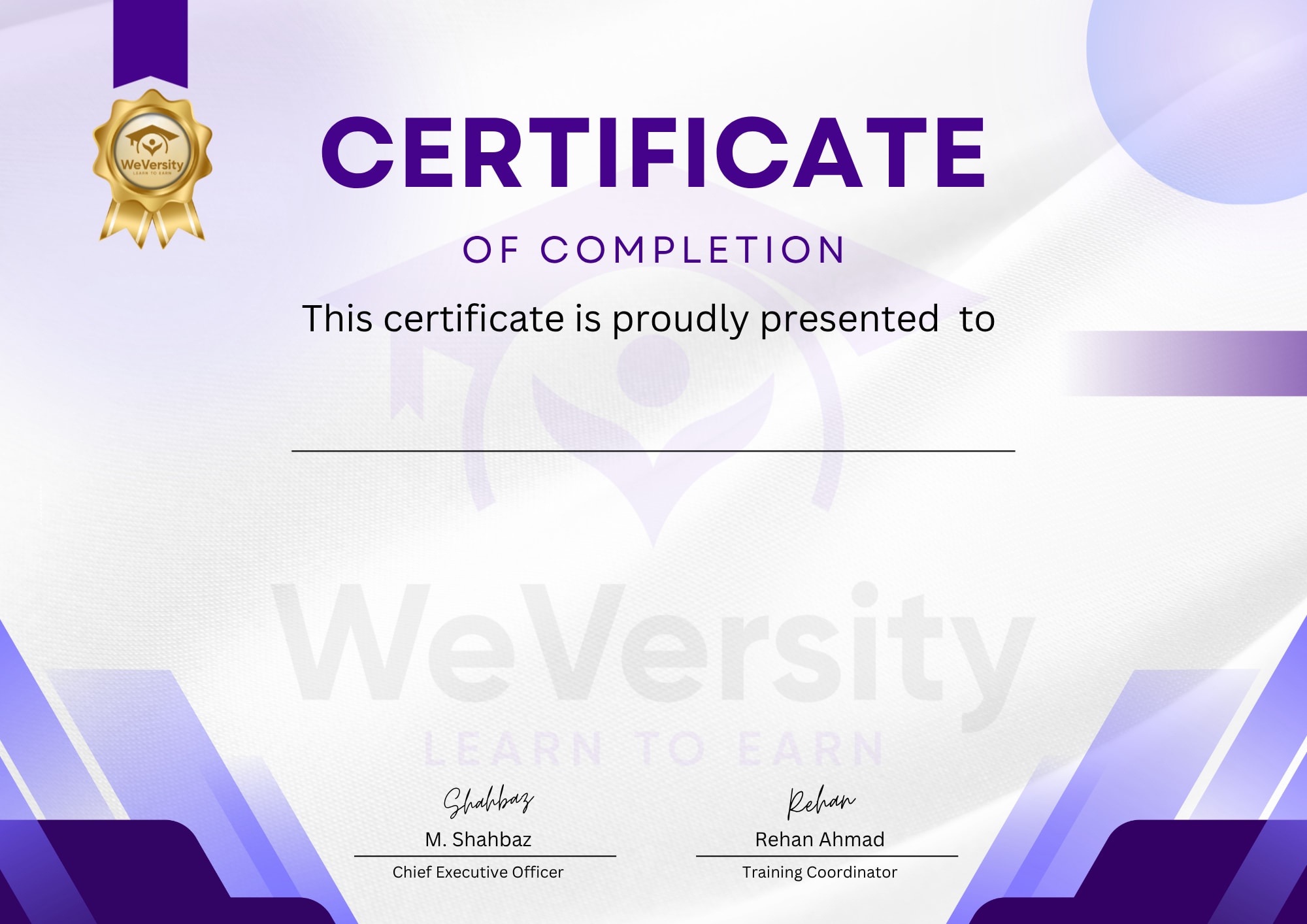
Earn a certificate
Add this certificate to your Resume/CV to demonstrate your skills & increase your chances of getting noticed.
- Intermediate
- 7 students
- Certificate of completion