
Back
Cool Deeds Inc. • 501(c)(3) Nonprofit100% Guaranteed Scholarship Available
100% Covered • 3 Working Days Decision

The Automation Architect: Master n8n & Build a 6-Figure Freelance Career
Category: Freelancing & Productivity

About Course
Course Content
- What is n8n? (Self-hosted vs. Cloud vs. Desktop).Preview
- Understanding Nodes, Triggers, and Actions.Preview
- Installation Guide: Setting up your first n8n instance.Preview
- Exploring the Canvas: The User Interface and Shortcuts.Preview
- Connecting your first App (Google Sheets / Gmail).Preview
- Troubleshooting 101: Reading Execution Logs.Preview
- Activity: "The Hello World Workflow"Preview
- Foundations of Automation & n8n SetupPreview
- Working with JSON: Understanding Data Structures.Preview
- The "Set" Node: Creating and modifying variables.Preview
- Conditional Logic: Using the "If" Node.Preview
- Loops and Batches: Handling multiple items at once.Preview
- Dates and Times: Formatting for different time zones.Preview
- Data Mapping: Ensuring the right data goes to the right place.Preview
- Activity: The Lead Qualifier.Preview
- Data Manipulation & Core LogicPreview
- Mastering Webhooks: Receiving data from external apps.Preview
- HTTP Request Node: Connecting to APIs without native nodes.Preview
- Working with Files: Downloading, Uploading, and Converting (PDF/Images).Preview
- Error Handling: The "Error Trigger" and "Wait" nodes.Preview
- Executing Code: Using the "Code" Node (JavaScript/Python basics).Preview
- Schedule Triggers: Running workflows on a timer.Preview
- Activity: The Custom API Bridge.Preview
- Advanced Nodes & WebhooksPreview
- Introduction to n8n’s AI Nodes (LangChain integration).Preview
- Connecting OpenAI/Anthropic for content generation.Preview
- Working with Vector Databases (Pinecone/Supabase).Preview
- SQL vs. NoSQL: Managing data in Postgres or Airtable.Preview
- Building an AI Agent within n8n.Preview
- Memory and Context: Making AI remember previous steps.Preview
- Activity: The AI Support Assistant.Preview
- AI & Database ManagementPreview
- E-commerce: Abandoned Cart & Invoice Automation.Preview
- Social Media: Auto-posting and Content Repurposing.Preview
- CRM Syncing: Keeping HubSpot and Salesforce in harmony.Preview
- Web Scraping: Extracting data from websites automatically.Preview
- Reporting Dashboards: Sending weekly automated reports.Preview
- Security & Version Control: Backing up your workflows.Preview
- Activity: The Master System.Preview
- Real-World Business Use CasesPreview
- How to Price your Services (Hourly vs. Value-based).Preview
- Finding Clients: Upwork, LinkedIn, and Niche Communities.Preview
- Productizing your Workflows: Selling templates.Preview
- The "Maintenance Retainer": How to charge monthly for support.Preview
- Managing Client n8n Instances (Security & Privacy).Preview
- Building your Portfolio: Showcasing "Before vs. After" results.Preview
- Activity: The Pitch Deck.Preview
- The "Automation Agency" BlueprintPreview
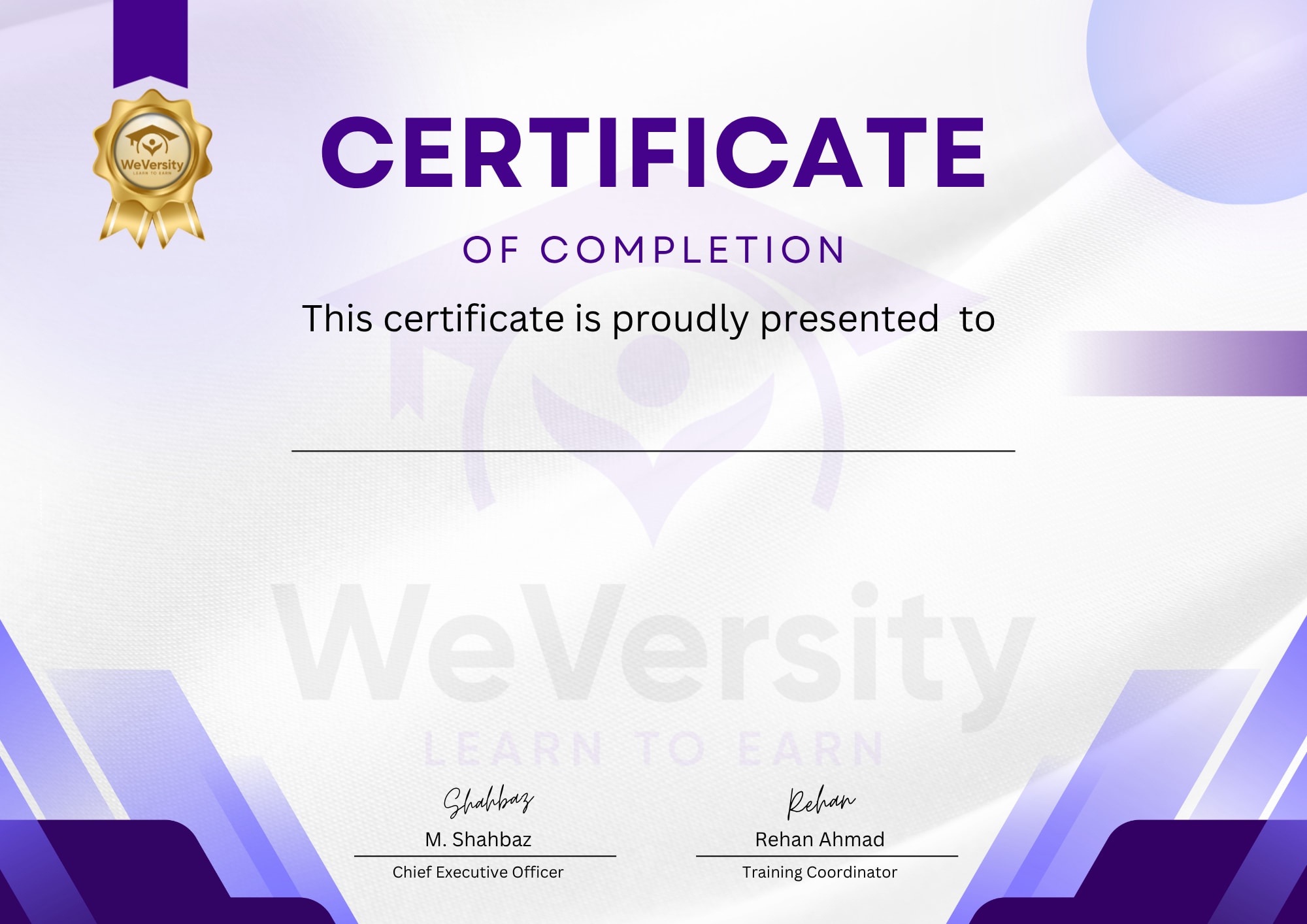
Earn a certificate
Add this certificate to your Resume/CV to demonstrate your skills & increase your chances of getting noticed.
Course Price$1.00
System Support Fee (Included)+$0.00
Total Price
$1.00
Or spend coins
 WeCoins Required
- Beginner
- 4 students
- Certificate of completion