

Upcoming Sessions
Set reminders for future classes.

About Course
Unlock your creativity and transform it into income with professional video editing skills. This course teaches you how to master CapCut, VN Editor, and DaVinci Resolve to create engaging Reels, TikToks, and YouTube Shorts. Beyond technical expertise, you will learn how to monetize your skills by offering editing services, pricing your work, finding clients, and growing your own video editing business. By the end of the course, you will have both a polished portfolio and the knowledge to turn video editing into a profitable side hustle or full-time career.
What Will Students Learn?
- Create professional social media videos using modern editing tools
- Understand video editing basics (cut, trim, transitions, effects)
- Edit videos for Instagram, TikTok, YouTube Shorts, and Facebook
- Add captions, music, and sound effects professionally
- Color correct and enhance video quality
- Export videos in correct formats for different platforms
- Improve storytelling through video editing
- Optimize videos for engagement and reach
Materials Included
- Step-by-step video lessons
- Practice project files
- Editing presets (if applicable)
- Export settings guide for social media
- Social media video templates
- Caption and subtitle templates
- Bonus tips PDF guide
Requirements/Instructions
- Basic computer or laptop knowledge
- Stable internet connection
- Video editing software installed (CapCut / Premiere Pro / Filmora / etc.)
- Headphones recommended for audio editing
- Willingness to practice with sample projects
Target Audience
- Beginner video editors who want to start social media content creation
- Social media managers and digital marketers
- Influencers and content creators
- Small business owners managing their own social media
- Freelancers who want to offer video editing services
- Students interested in media and content production
Course Content
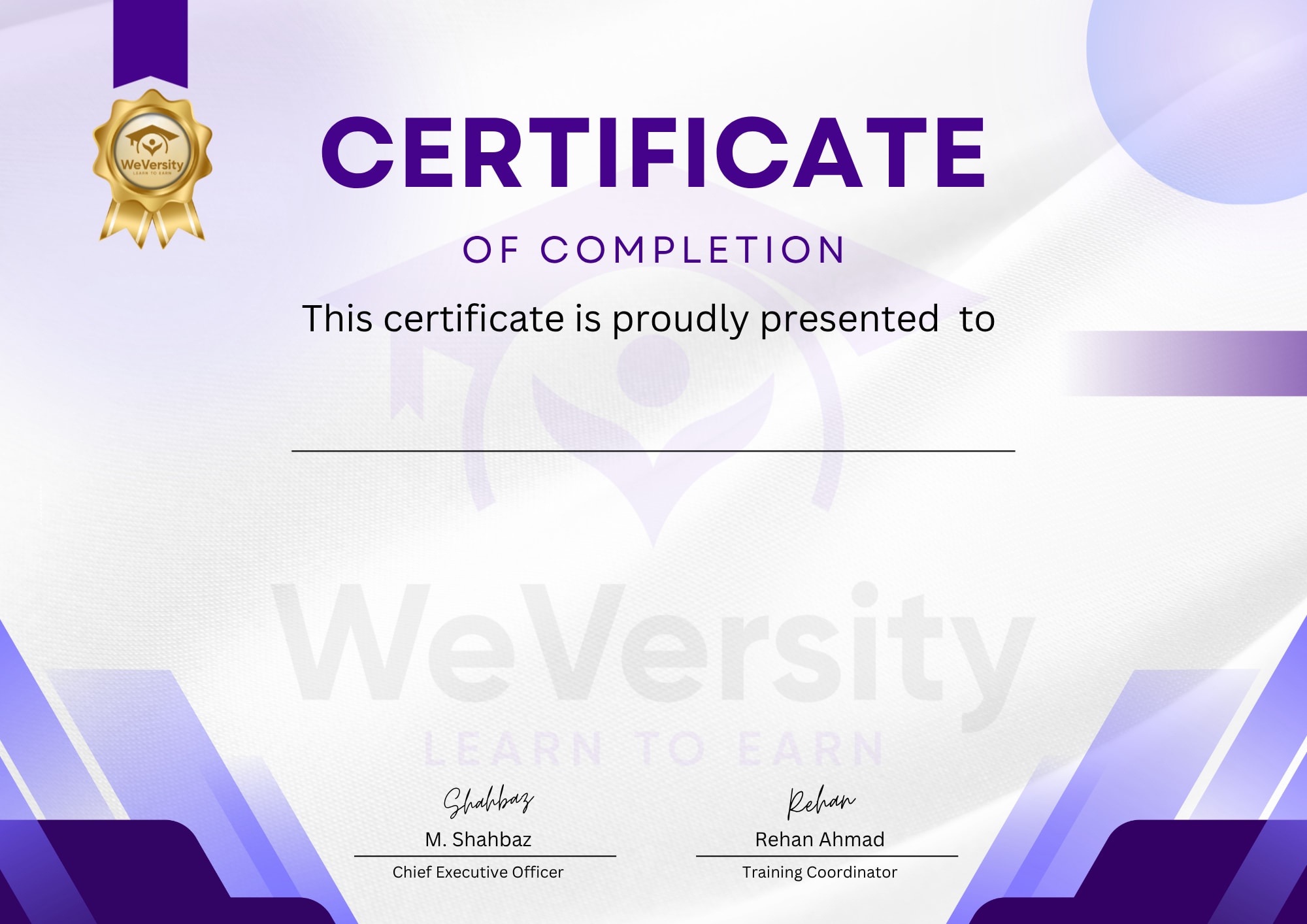
Earn a certificate
Add this certificate to your Resume/CV to demonstrate your skills & increase your chances of getting noticed.
Free
- Intermediate
- 26 students
- 3h 0m
- Certificate of completion