


About Course
This course provides a concise overview of Claude and its growing role as an AI-powered productivity, analysis, and workflow platform for accounting professionals. Participants will learn how Claude differs from traditional search engines, spreadsheets, and chatbots, and how it can be used to accelerate drafting, research, document review, data analysis, and client communications while maintaining professional skepticism and accountability. The course explores practical prompting techniques, document and spreadsheet analysis, projects, artifacts, connectors, Microsoft 365 integrations, automation capabilities, and emerging AI workflows. Special emphasis is placed on confidentiality, privacy, ethics, verification, and professional judgment. By the end of the course, participants will understand how to integrate Claude into their daily accounting workflows to improve efficiency, strengthen decision-making, and support higher-value advisory services. The course is based on the Claude platform ecosystem, including Chat, Projects, Artifacts, Connectors, Microsoft Office integrations, Voice Mode, Design, Code, and Cowork capabilities.
What Will Students Learn?
- Explain how Claude generates responses and supports accounting workflows.
- Identify accounting tasks that are well-suited for AI augmentation.
- Apply effective prompting techniques to improve AI-generated outputs.
- Analyze contracts, financial documents, and datasets using Claude.
- Evaluate the appropriate use of Projects, Artifacts, Connectors, and Office integrations.
- Assess risks related to hallucinations, confidentiality, and data governance.
- Develop AI-assisted workflows that enhance productivity while maintaining professional judgment.
Materials Included
- Course Description & Syllabus Blueprint Document:Main course framework aur module layout
- 7 Core Learning Modules (36 Detailed Video Lessons):Complete step-by-step video curriculum
- Review Questions & Answers Deck:Har module ke end par practice quizzes
- Final Certification Exam Document:Comprehensive CPE/CPD scenario-based final assessment
- The Claude Glossary for Accountants (PDF & Digital Guide):Plain-English reference guide for technical AI terms
- R·C·T·F·C Prompt Engineering Framework Cheat Sheet:Prompt structuring tool for accounting tasks
- Practical Hands-On Case Studies & Assignments:Real-world extraction and automation exercises
- Claude Project Knowledge Base Templates : Client-specific workspace setups and pre-built system prompts
- Microsoft 365 Integration Workflows & Sample Files: Practice workbooks and templates for Excel, Word, and PowerPoint
Requirements/Instructions
- No Prior AI / Claude Experience Required: Claude AI use karne ka koi pehle se tajurba zaroori nahi hai
- Basic Accounting Knowledge:Financial processes, ledger, aur basic accounting ka samjh hona zaroori hai
- Basic Microsoft Office Familiarity:Excel, Word, aur PowerPoint ka aam istemal aana chahiye
- Professional Business Communication Skills:Professional email aur reporting style ka bunyadi ilam hona chahiye
- Computer & Internet Access: Stable internet connection aur web browser wala system zaroori hai
- Active Claude Account : Exercises practice karne ke liye Claude (Free, Pro, ya Team/Enterprise) account ka hona zaroori hai
Target Audience
- This course is designed for CPAs, accountants, auditors, finance professionals, controllers, consultants, and business advisors who want to understand and leverage Claude to improve productivity, analysis, communication, and decision-making.
Course Content
- How Claude Operates: Pattern-Completion vs. Search Engines & CalculatorsPreview
- Model Selection: Choosing Between Opus, Sonnet, and Haiku for Specific TasksPreview
- The Fluency Edge vs. Verification Risk: Managing HallucinationsPreview
- Understanding Context Windows and Token Consumption in Financial FilesPreview
- Comparing Adaptive Thinking vs. Legacy Extended Thinking ModesPreview
- Evaluating the Three-Question Fit Test for Accounting TasksPreview
- The "Bright New Staffer" Briefing Mindset for Better PromptsPreview
- Deconstructing R·C·T·F·C (Role, Context, Task, Format, Constraints)Preview
- "Show, Don't Tell": Example-Based Prompting for Audit ReportsPreview
- Iterative Prompting: Refining First Drafts through Back-and-Forth ChatPreview
- Guardrailing Prompts: Preventing Invented Numbers and Speculative RatesPreview
- Voice Mode Prompting: Hands-Free Auditing Discussions on the GoPreview
- Extracting Terms from Leases, Engagement Letters, and ContractsPreview
- Spreadsheet Analysis: Trial Balances, Transaction Listings, and VariancesPreview
- Code Execution & Data Analysis: Running Real Math on DatasetsPreview
- Anonymizing Client Data Before Document UploadsPreview
- Comparing Prior-Year vs. Current-Year Working Papers AutomaticallyPreview
- OCR and Screenshot Processing for Printed Receipts and InvoicesPreview
- Claude Projects: Creating Client Folders with Charts of AccountsPreview
- Claude Artifacts: Building Live Checklists and Audit TablesPreview
- Context Window Optimization for Multi-Page Audit FilesPreview
- Creating Custom Calculators and Financial Apps in ArtifactsPreview
- Managing Shared Knowledge Bases Across Engagement TeamsPreview
- Version Control and Refining Artifacts in Real-TimePreview
- Financial Connectors: Querying QuickBooks, Stripe, Square, and PayPalPreview
- Cloud Storage Links: Box, Dropbox, DocuSign, and Google WorkspacePreview
- Model Context Protocol (MCP): The Universal Adapter ConceptPreview
- HubSpot Integration for Client Pipeline and Billing CommunicationPreview
- Setting Up Granular Data Access and Permission ControlsPreview
- Live Web Search: Bypassing Knowledge Cutoffs for Current Tax RatesPreview
- Claude for Excel: Formula Writing, Data Cleaning, and Model AuditingPreview
- Claude for Word: Document Drafting, Redlining, and Tracked ChangesPreview
- Claude for PowerPoint: Slide Deck Generation from Raw NotesPreview
- Claude for Outlook: Client Email Summarization and Action TrackingPreview
- Cross-App Workflows: Moving Data from Excel to PowerPoint to WordPreview
- Troubleshooting Add-in Connections and Authentication SettingsPreview
- Consumer vs. Enterprise Plans: Confidentiality & Data Training Opt-OutsPreview
- Professional Skepticism: Detecting Hallucinations and Fake CitationsPreview
- Firm Governance: Drafting AI Use Policies and Client DisclosuresPreview
- Maintaining Professional Independence and Due Care in AI OutputsPreview
- Managing Data Retention Settings and SOC2/Enterprise CompliancePreview
- Quality Control Workflows: Human-in-the-Loop Verification StandardsPreview
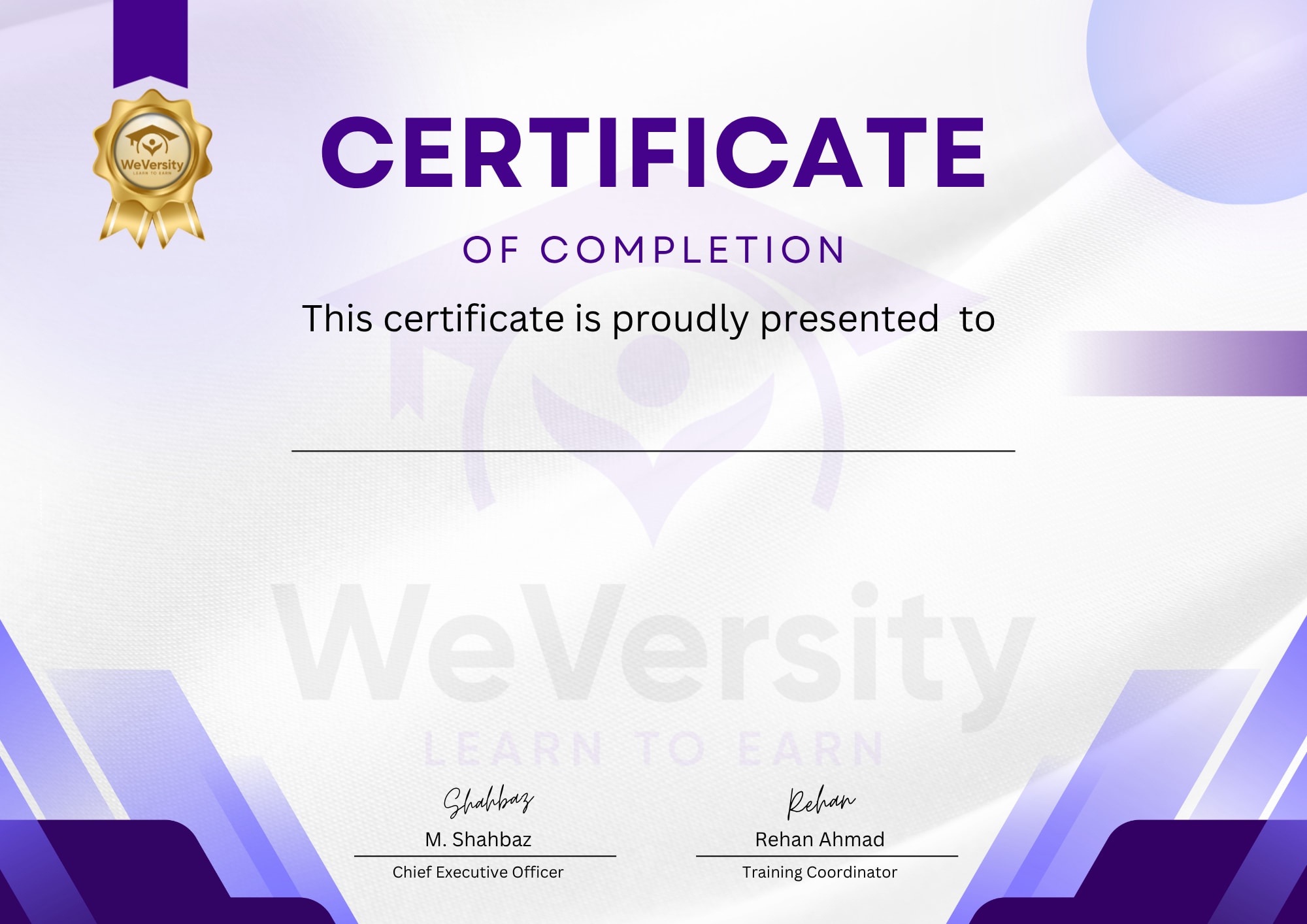
Earn a certificate
Add this certificate to your Resume/CV to demonstrate your skills & increase your chances of getting noticed.
- Intermediate
- 0 students
- Certificate of completion