

Expert Coach at WeVersity
I am a passionate instructor specializing in Graphic Design, Video Editing, SEO, and English Language. With a Bachelor's degree in Bioinformatics, I combine creativity, communication, and digital expertise to deliver practical, hands-on, and industry-focused training. My goal is to empower learners with in-demand skills, build their confidence, and prepare them for academic, professional, and freelancing success.
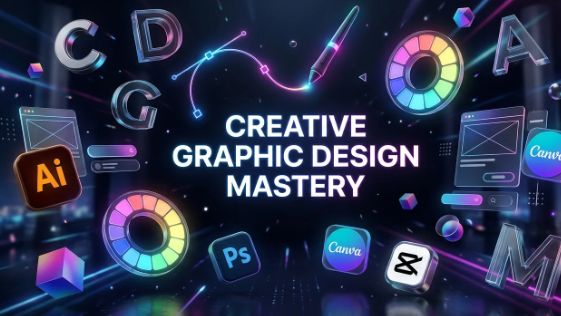
Introduction to Adobe Illustrator: Interface, Tools & Vector Graphics
Date
October 16, 2026
Time
04:00 PM Karachi
Duration
60 Minutes
Learning Outcomes
By the end of this session, students will be able to:
1. Understand what Adobe Illustrator is and its role in graphic design.
2. Identify the main components of the Illustrator interface and workspace.
3. Navigate the interface and locate essential tools and panels.
4. Understand the difference between vector and raster graphics.
5. Explain the benefits of vector graphics, including scalability without loss of quality.
6. Create, save, and reopen a basic Illustrator document.
Session Agenda
Introduction to Adobe Illustrator and its applications in graphic design.
Understanding the workspace, menu bar, toolbar, and panels.
Exploring essential tools: Selection, Shape, and Artboard Tools.
Introduction to vector graphics and raster graphics.
Creating a new document and setting up the artboard.
Practical activity: Creating a simple design using basic shapes.
Saving Illustrator files and exporting designs in different formats.
Starts in 1 days
Session Features
- Interactive Q&A Session
- Live Project Demonstration
- Certificate of Participation
Featured Courses
Master the skills with comprehensive learning paths.
Learn English Online Free: Business Communication Course

Creative Graphic Design Mastery